It is very simple to export data to CSV format, which can be opened in Excel. Let’s look at each data type separately.
Competitors
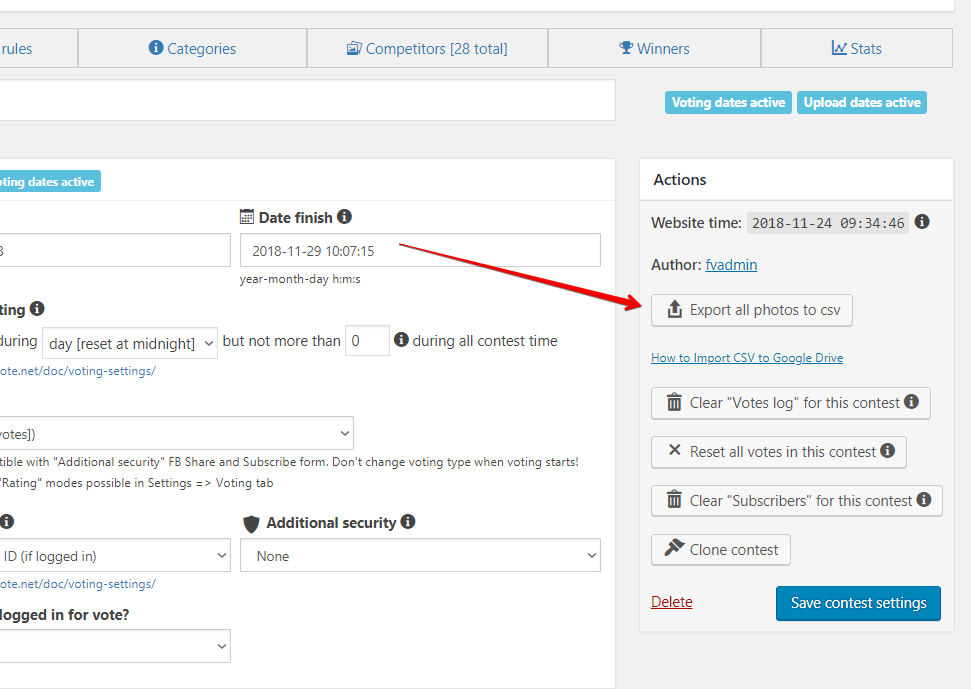
To export the competitors, go to the contest settings, find the button “Export all photos to CSV”.
Votes & Subscribers
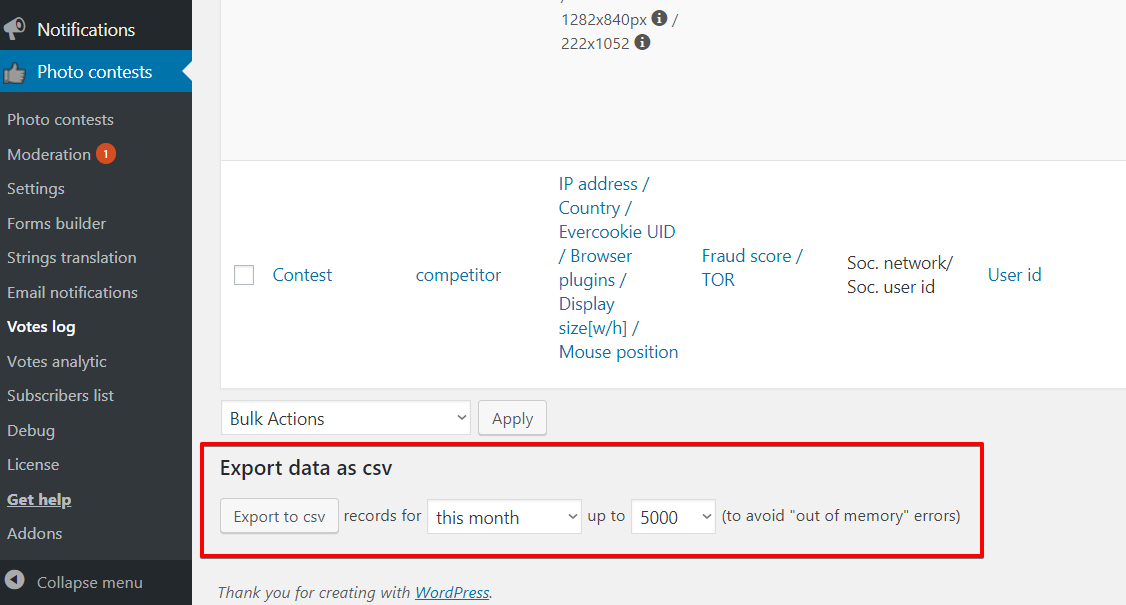
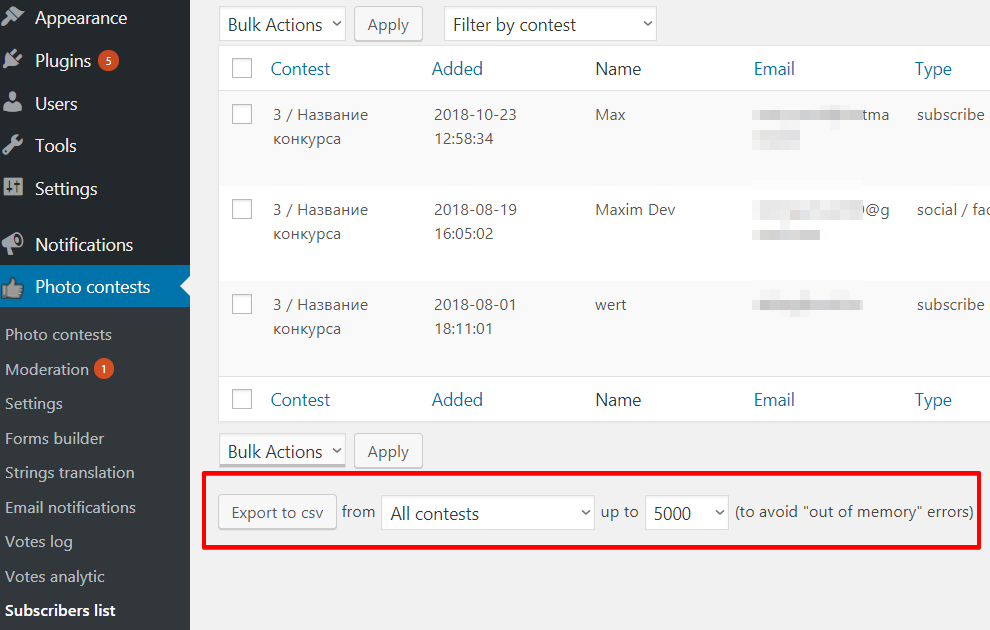
To export votes or subscribers, go to one of these menus, scroll down the page. We will see a section where we can export the necessary data, indicating the number of rows we want to upload, as well as other parameters.
Additional tweaks
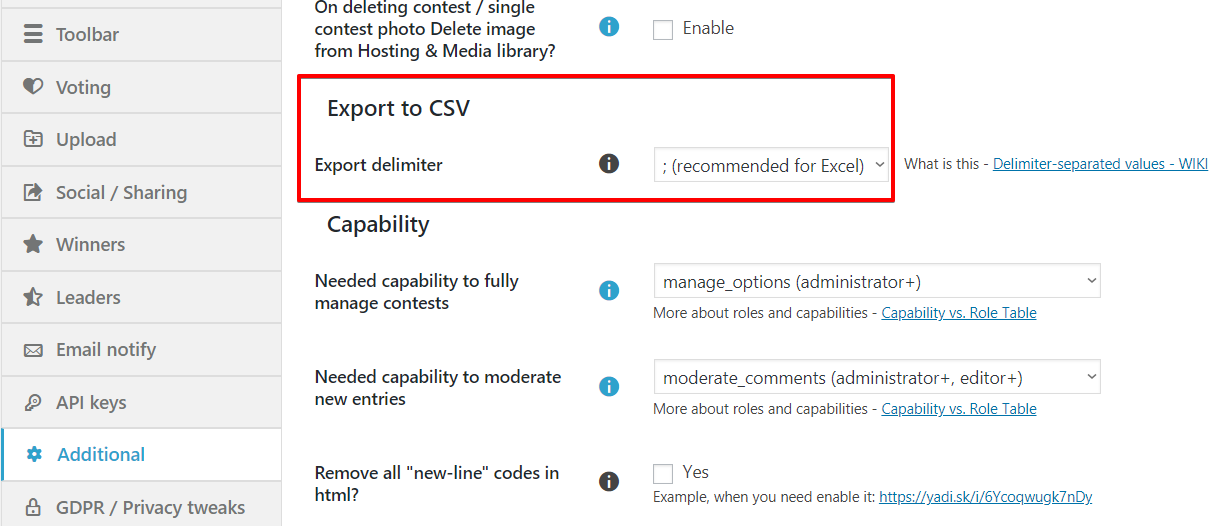
Sometimes exported file isn’t correct processed by the Excel/etc and you could try to change strings delimiter here:


Leave A Comment?